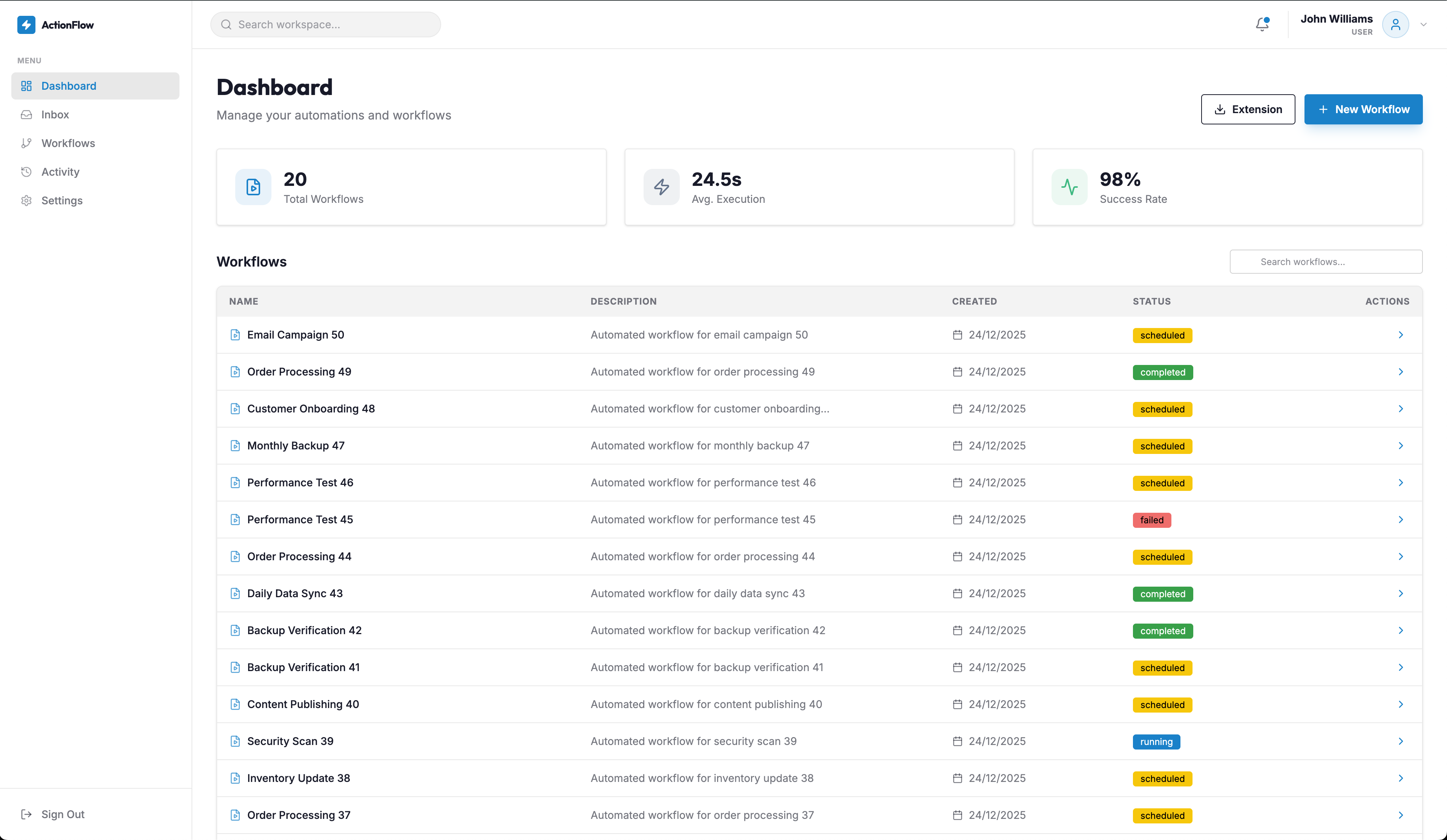
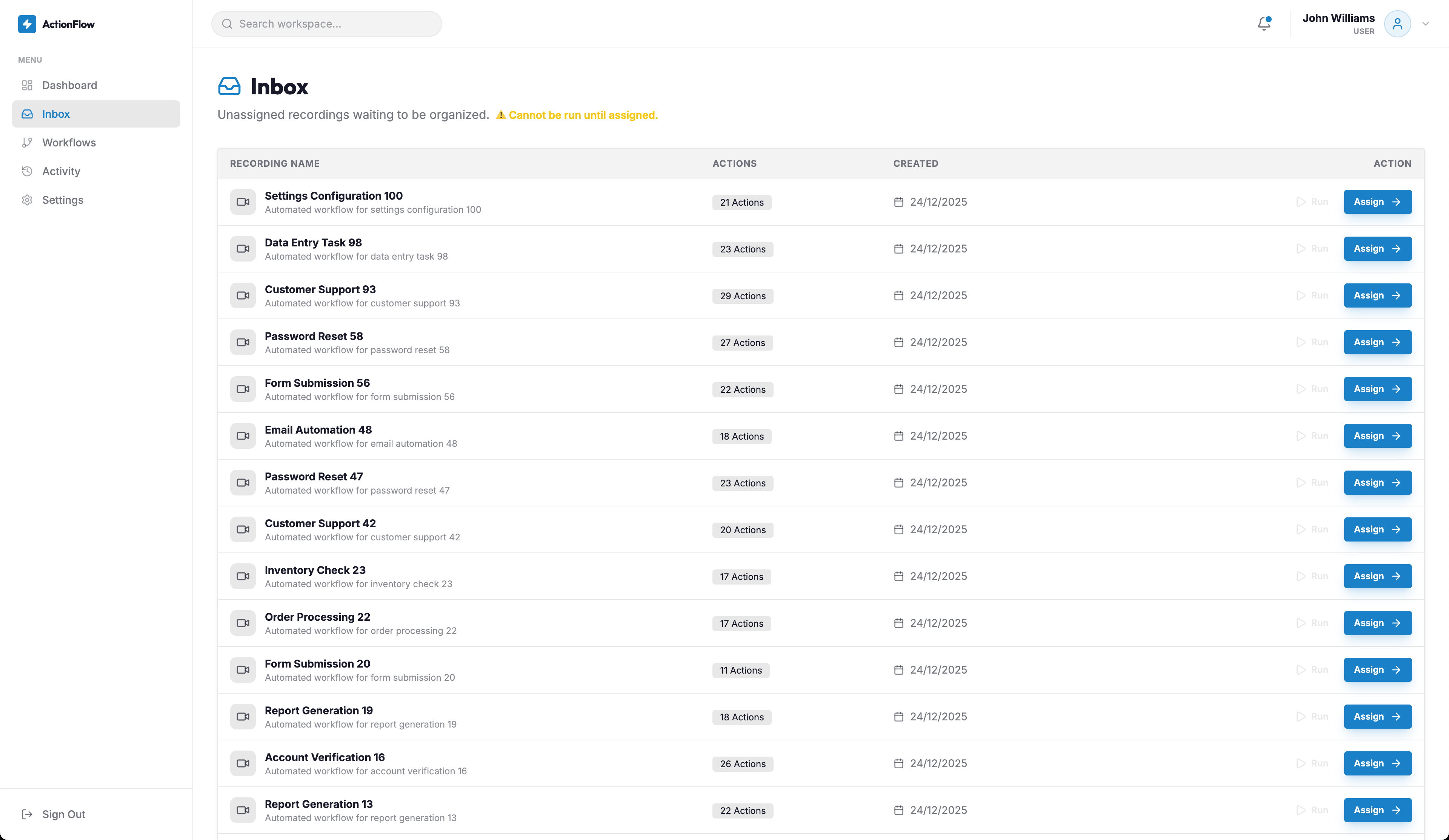
ActionFlow is a sophisticated browser automation platform designed to streamline repetitive web tasks through intelligent workflow recording and replay capabilities. The platform empowers users to capture complex browser interactions, transform them into reusable workflows, and execute them automatically with dynamic data substitution.
KEY FEATURES
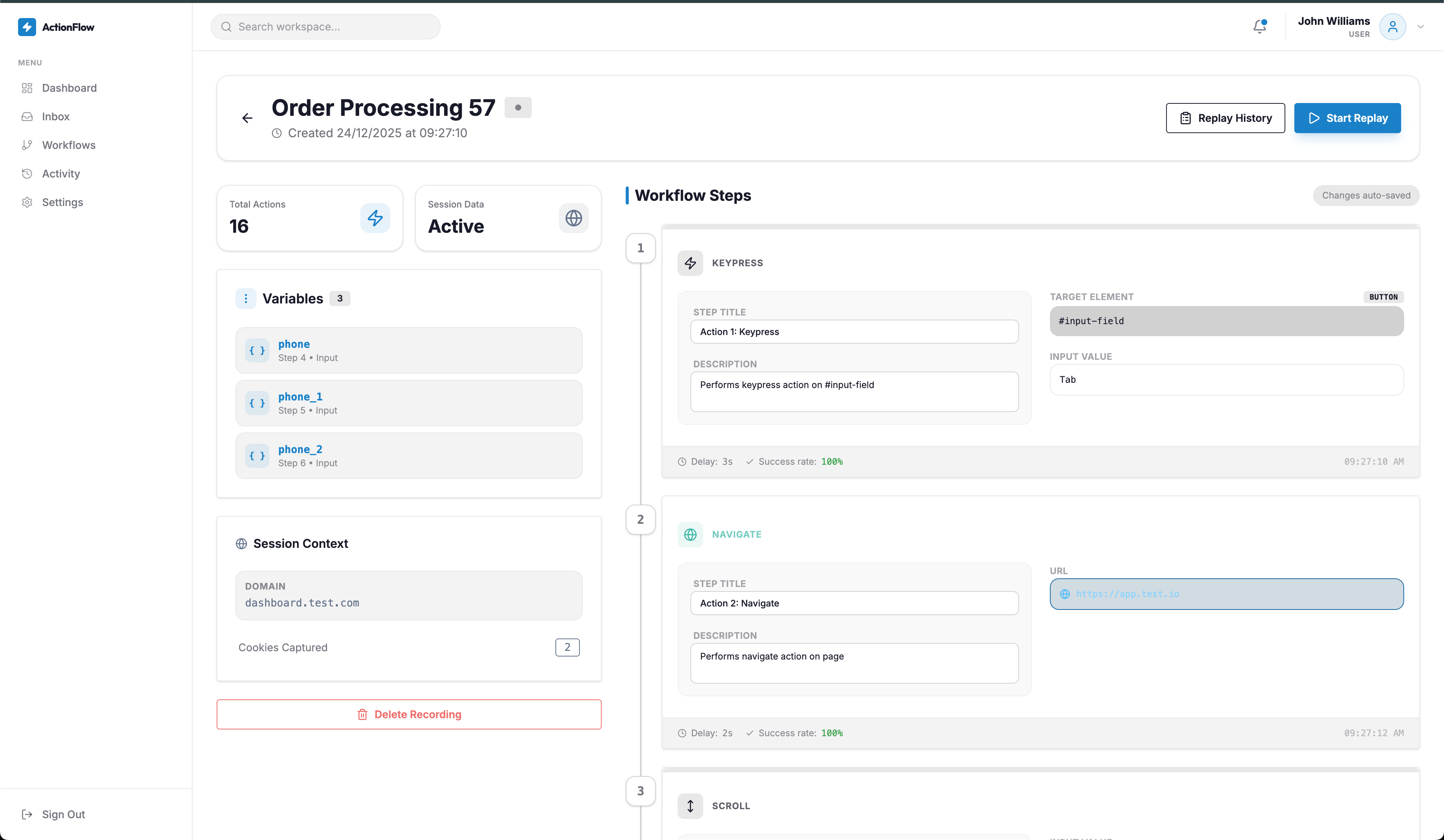
- Intelligent Recording System - Automatically captures clicks, inputs, scrolls, and navigation events with precise element selectors
- Dynamic Variable System - Mark input fields as variables for flexible data substitution during replay
- MFA Checkpoint Support - Pause and resume functionality for multi-factor authentication and login pages
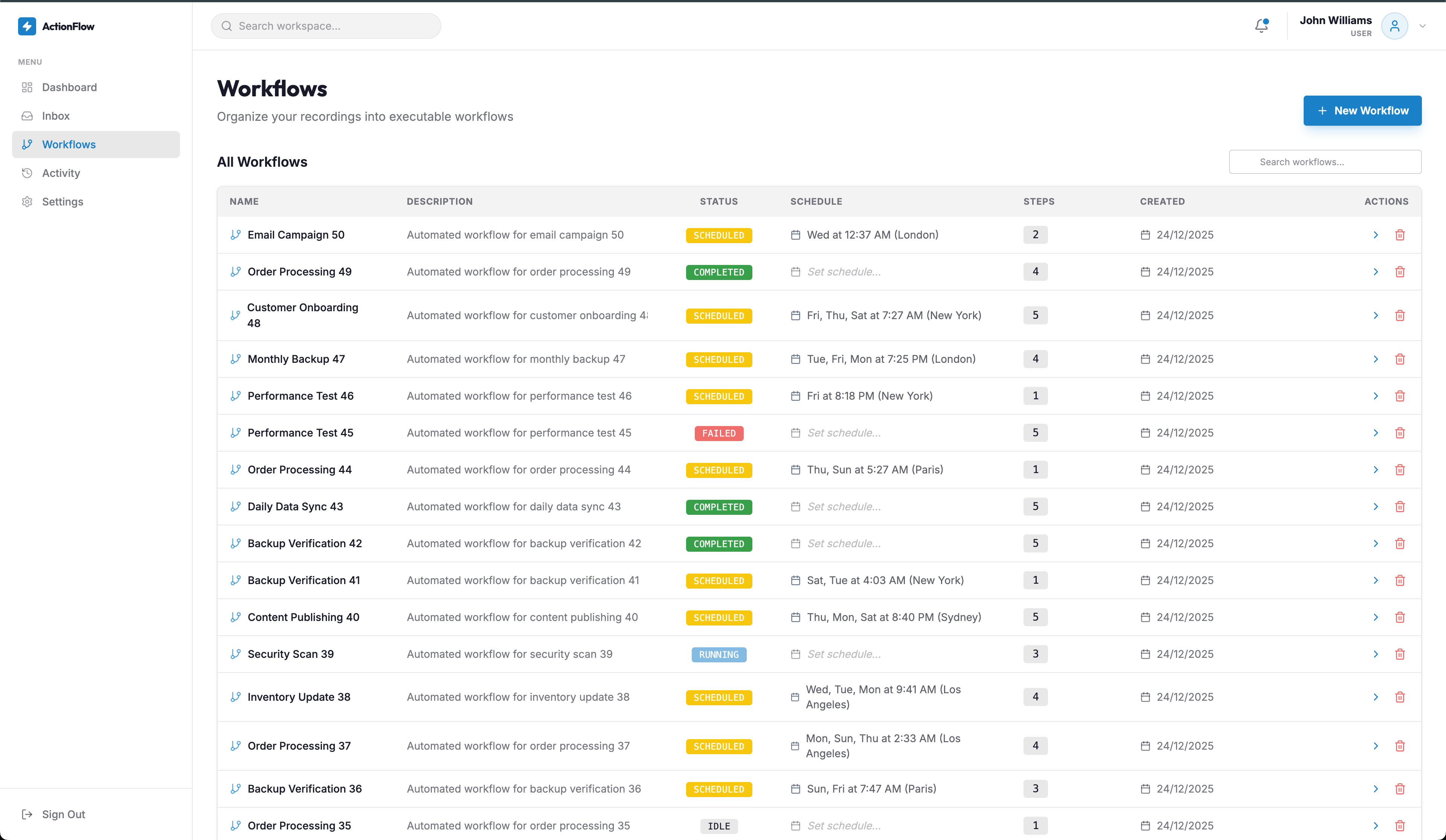
- Workflow Scheduling - Schedule workflows to run automatically on specific days and times with timezone support
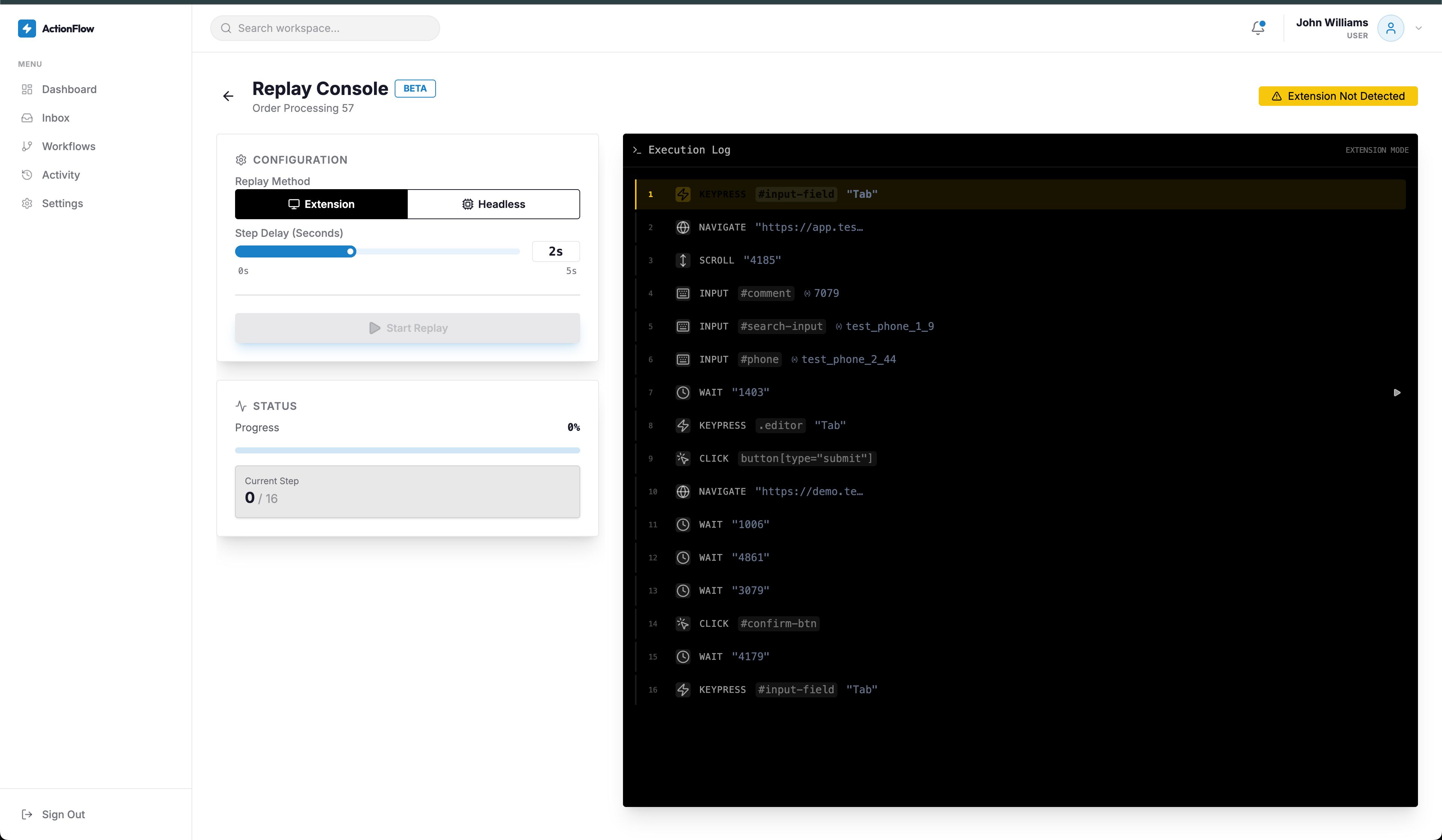
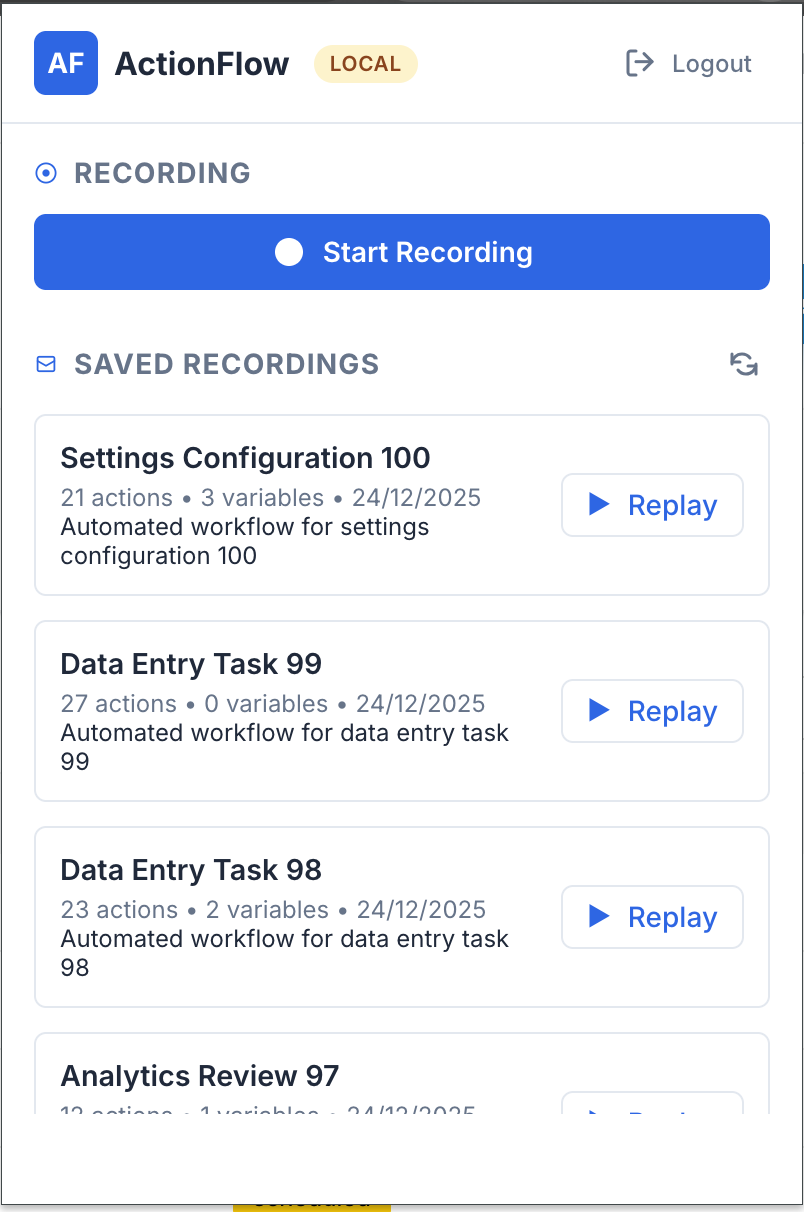
- Chrome Extension Integration - Native Chrome extension (Manifest V3) for seamless recording and replay automation directly within the browser, supporting real-time workflow execution
- Automated Replay System - Execute recorded workflows automatically with variable substitution, supporting both Chrome extension-based replay and headless browser automation via Playwright
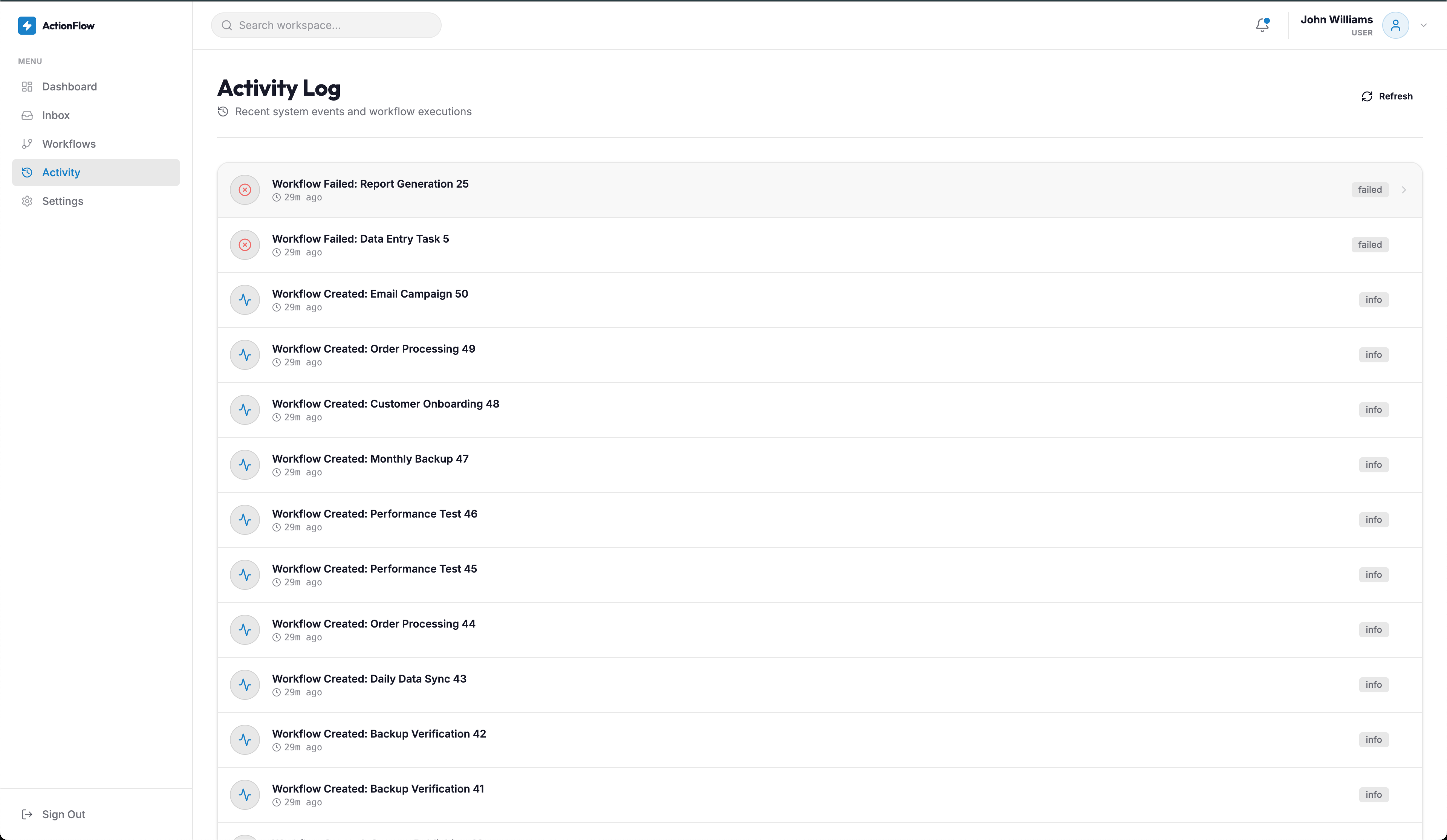
- Comprehensive Dashboard - Modern web interface for managing recordings, workflows, and monitoring execution history
- Email Notifications - Automated email alerts for workflow failures and execution status
- Replay History & Screenshots - Track all replay executions with detailed logs and visual screenshots for debugging and verification
The platform consists of three integrated components: a React-based web dashboard for workflow management, a Django REST API backend for data persistence and automation logic, and a Chrome extension for browser-level interaction. This architecture enables users to record workflows through the extension, manage them via the web dashboard, and execute them either through the extension or headless browser automation.
CHROME EXTENSION CAPABILITIES
The Chrome extension serves as the primary interface for recording and replaying browser workflows. Built with Manifest V3, it provides seamless integration with Chrome's browser APIs. Users can start recording sessions directly from the extension popup, and all browser interactions (clicks, form inputs, navigation, scrolling) are automatically captured with multiple selector strategies for reliability. During replay, the extension executes workflows step-by-step, handles variable substitution, and can pause at MFA checkpoints for manual intervention before resuming automation.
REPLAY AUTOMATION FEATURES
The replay automation system supports two execution modes: Chrome Extension Replay for interactive execution within the browser, and Headless Browser Automation using Playwright for unattended background execution. Both modes support dynamic variable substitution, error handling with retry mechanisms, and comprehensive logging. The system captures screenshots at key action points, tracks execution status in real-time, and provides detailed replay history with success/failure metrics for each action executed.
TECHNICAL ARCHITECTURE
ActionFlow leverages a modern tech stack with React and Tailwind CSS for the frontend, Django REST Framework for the API layer, and Playwright for headless browser automation. The system uses JWT authentication for secure access and supports both SQLite for development and PostgreSQL for production deployments. The Chrome extension utilizes Manifest V3 for modern browser compatibility and Chrome Storage API for state management.
Users can create complex multi-step workflows by combining multiple recordings, configure scheduling with timezone awareness, and monitor execution through detailed activity logs. The platform's variable system allows for parameterized workflows that can be reused with different data sets, making it ideal for testing, data entry automation, and repetitive task management.